
Table of contents
- Step-by-Step Guide to Canceling Your Subscription
- Downgrading to the Free Tier
- How to Claim Your Proton VPN Refund
- Paid vs. Free Plan: Should You Completely Cancel?
- FAQ
- Can I cancel my subscription through the mobile app?
- Will canceling my VPN affect my ProtonMail account?
- What if I want to use the service again in the future?
To cancel Proton VPN, simply log in to your account dashboard on the official Proton website, navigate to the "Dashboard" section, and select the option to downgrade your account to the Free plan. This immediately stops any future auto-renewal charges. If you are within the first 30 days of your initial purchase, you are also eligible for a Proton VPN refund by submitting a request through their customer support ticket system.
Step-by-Step Guide to Canceling Your Subscription
Managing your proton vpn subscription is straightforward because the company prioritizes user privacy and transparency. Unlike some services that force you to call customer retention lines or navigate confusing menus, Proton allows you to handle everything directly from your web browser.
Downgrading to the Free Tier
Follow these exact steps to cancel your premium billing:
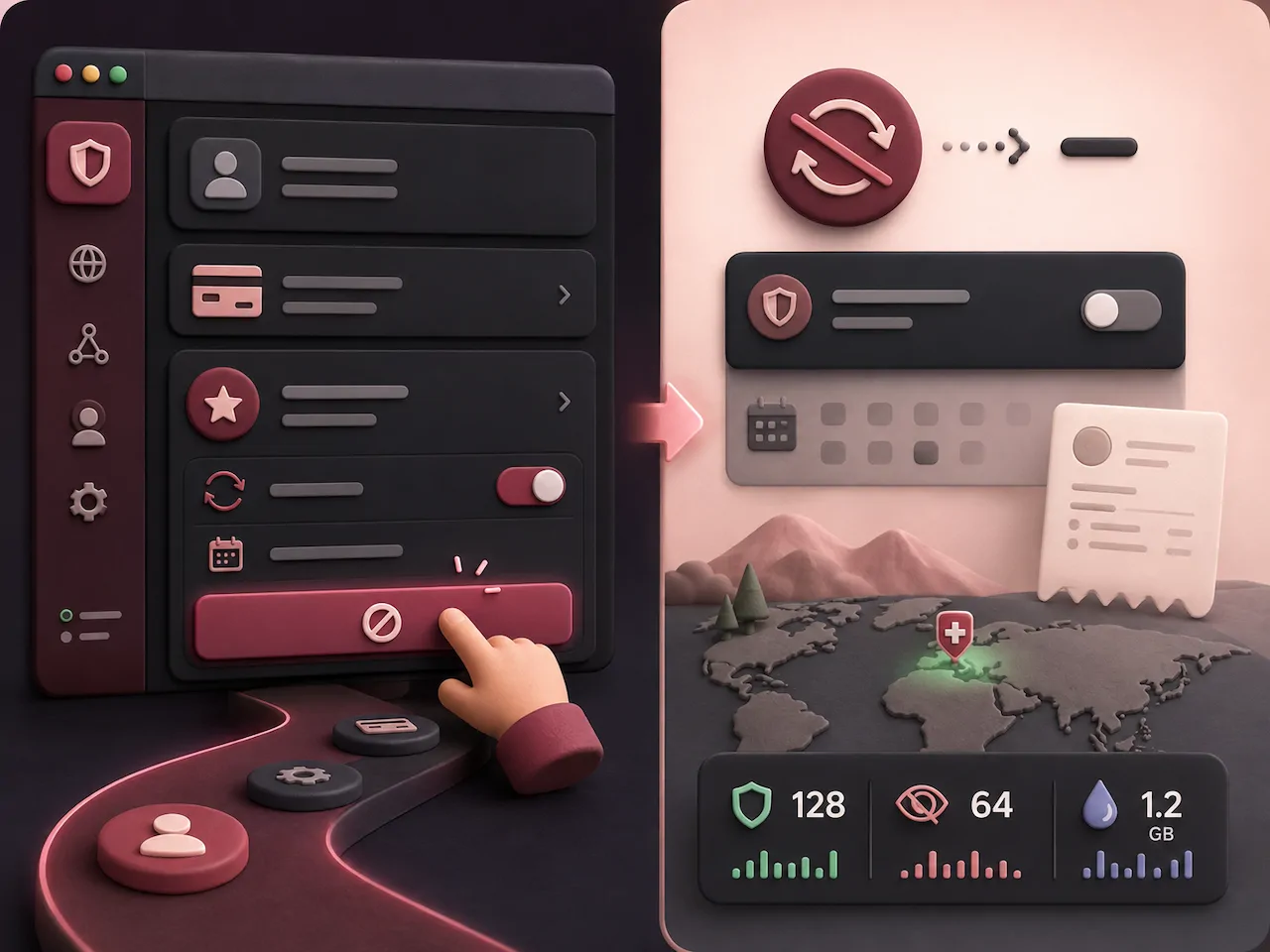
- Go to the Proton website and log in with your account credentials.
- Click on the Dashboard tab located in the left-hand navigation menu.
- Scroll down to your current subscription details under the billing section.
- Click on the Downgrade button to switch to proton vpn free.
- Confirm your choice in the pop-up window. Your account will retain premium features until the end of your current paid billing cycle.
How to Claim Your Proton VPN Refund
Canceling your auto-renewal does not automatically trigger a refund. Proton offers a strict 30-day money-back guarantee, which means you can get your money back if you cancel within the first 30 days of your original purchase.
- Submit a Support Ticket: Visit the Proton support center and fill out a contact form requesting a refund.
- Provide Details: Include your account username and the invoice number to speed up the verification process.
- Wait for Processing: According to user experiences shared on Reddit, Proton's customer service is highly responsive. However, refunds may take 5 to 10 business days to appear on your credit card or bank statement depending on your financial institution.
Paid vs. Free Plan: Should You Completely Cancel?
Before you completely delete your account, consider that the free tier might still serve your basic browsing needs. Here is a quick comparison to help you decide:
| Feature | Premium Plan | Free Plan |
|---|---|---|
| Server Access | Thousands of servers globally | Servers in select countries (e.g., US, NL, JP) |
| Speed | High speed (up to 10 Gbps) | Medium speed (can be congested during peak hours) |
| Simultaneous Connections | Up to 10 devices | 1 device |
| Streaming & Torrenting | Fully supported | Not supported |
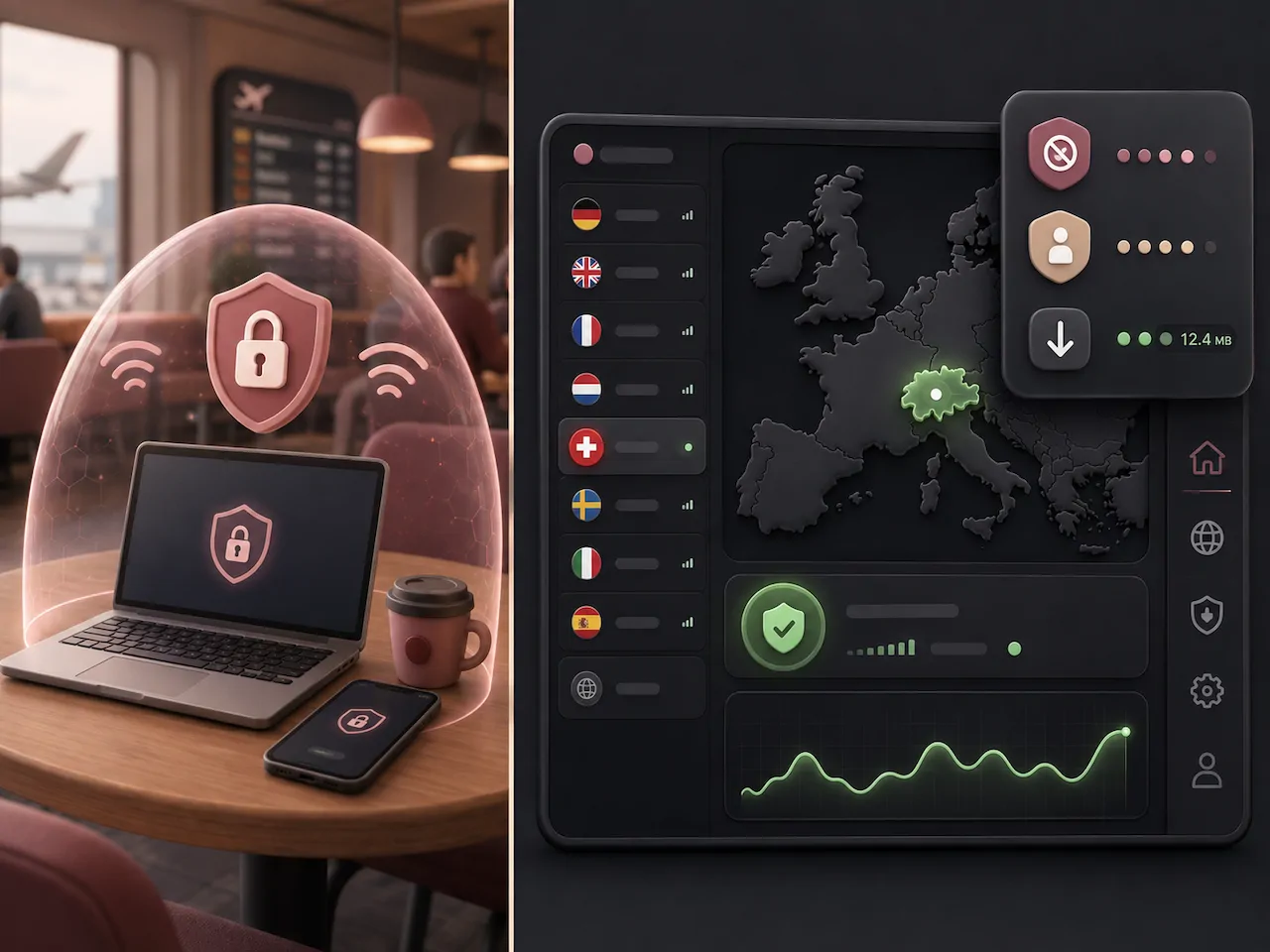
As noted by cybersecurity experts on LinkedIn and various privacy forums, retaining a free, no-log VPN version is an excellent backup strategy for protecting your data on public Wi-Fi networks.
FAQ
Can I cancel my subscription through the mobile app?
If you purchased your subscription directly through the Proton website, you must use a web browser to cancel it via the account dashboard. However, if you subscribed via the Apple App Store or Google Play Store, you must cancel the subscription directly within your Apple ID or Google Play account settings.
Will canceling my VPN affect my ProtonMail account?
No. Downgrading your VPN to the free tier will not delete your Proton account or affect your ProtonMail inbox, provided you are not downgrading from a bundled Proton Unlimited plan that exceeds your free storage limits.
What if I want to use the service again in the future?
Your account remains active on the free tier indefinitely. If you ever decide to upgrade again, you can simply upgrade from your dashboard and initiate a fresh protonvpn download for your newly updated devices.